Do Outdoor Cameras Work Without WiFi? Explained
As a homeowner, I’ve always worried about my property’s security. I’ve wondered if outdoor security cameras need WiFi to work.
With more smart home devices, it seems like WiFi is a must. But, I’m here to look into other options and clear up any confusion.
In this article, we’ll explore outdoor cameras and their connection choices. We’ll talk about the various camera types and what they need. By the end, you’ll know if outdoor cameras can work without WiFi and what else is out there.
Key Takeaways

Understanding Outdoor Camera Connectivity Options
Choosing the right connectivity for outdoor security cameras is key. There are many ways to connect them, each with its own benefits.
Traditional Wired Security Systems

Wired systems connect cameras to devices with cables. They’re reliable and less prone to interference. This makes them a favorite among homeowners.
Wireless vs. WiFi: The Important Distinction
It’s important to know the difference between wireless and WiFi. WiFi is a type of wireless connection.
But not all wireless connections are WiFi. Some cameras use other wireless tech, giving you more freedom in where you place them.
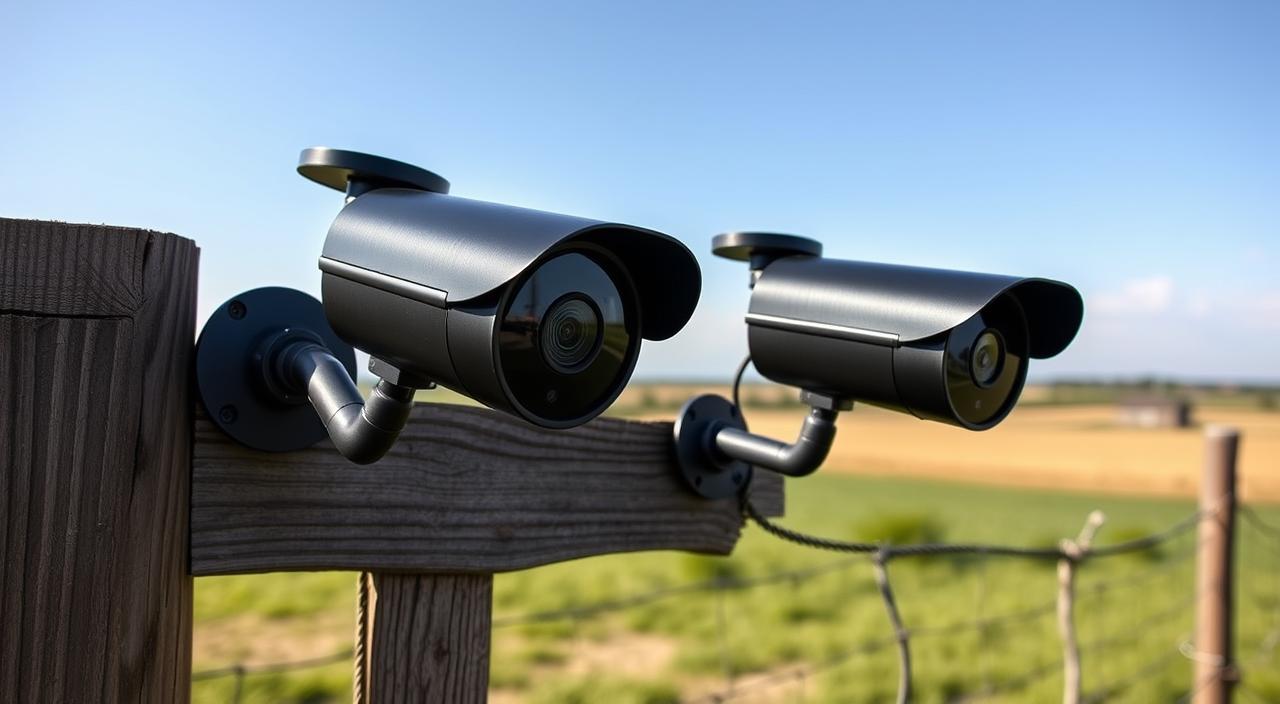
Overview of Alternative Connection Methods
There are other ways to connect outdoor cameras too. Some use cellular networks to send data. Others store footage locally, without needing the internet.
Knowing these options helps you pick the best outdoor camera system. Whether you want Outdoor Security Cameras Without WiFi or Outdoor Camera Options Without Internet, you can find what you need.
Do Outdoor Cameras Work Without WiFi? Explained in Detail
More and more homeowners are choosing non-WiFi outdoor cameras. They offer a safe way to watch over your property without needing WiFi.
Types of Non-WiFi Outdoor Cameras
There are many types of outdoor cameras that don’t need WiFi. Some popular ones are:
- Cellular-connected cameras that send data over cellular networks
- Cameras that save footage on SD cards or DVR/NVR systems
- Wired cameras that connect directly to a monitoring system
How These Cameras Transmit and Store Data
Non-WiFi outdoor cameras send and store data in different ways. For instance, cellular-connected cameras send footage to the cloud or a monitoring center over cellular networks. Cameras with local storage save footage on SD cards or DVR/NVR systems.

Monitoring Capabilities Without Internet
Non-WiFi outdoor cameras can work without the internet. They might not have all the features, but you can often watch them locally or through a cellular connection. This keeps your property safe, even if your internet is out.
Key advantages of non-WiFi outdoor cameras include:
- They offer better security by not needing the internet
- They have local storage for sensitive footage
- They can be monitored remotely through cellular connections
Cellular-Connected Outdoor Cameras
Cellular-connected outdoor cameras are a strong security option for many places. They send data through cellular networks, not WiFi.
How Cellular Cameras Work
These cameras use SIM cards or eSIM to connect to the internet like phones do. They can send and receive data, like video, without WiFi. This is great because you can put them in places where WiFi isn’t good or available.

Popular Cellular Camera Models
There are many models out there, each with different features. You can find cameras with high-quality video, night vision, and weatherproofing. When picking one, think about the data plan you need and if it works with your network.
Data Plans and Monthly Costs
The cost of data plans is a big deal for these cameras. Plans vary by provider and how much data you get. It’s important to find a plan that fits your budget and surveillance needs.
Coverage Considerations in Rural Areas
In rural areas, getting a good signal can be tough. Make sure to check your provider’s coverage in your area before buying a camera.
Some providers have better coverage than others. It’s important to research this to make sure your camera works right.
Local Storage Outdoor Camera Solutions
Local storage outdoor camera solutions are a safe and efficient way to watch over your property. They don’t need WiFi to work. This makes them a good choice over cloud storage, which can be risky.
SD Card Storage Options
Many outdoor cameras have SD card slots. This lets users store video on a memory card. It’s easy and affordable, with some cameras holding up to 128GB or more.
DVR and NVR Recording Systems
For detailed surveillance, DVR and NVR systems are great. They let you record and save video from many cameras. They also have cool features like motion alerts.
| Feature | DVR | NVR |
|---|---|---|
| Recording Method | Analog signal | IP camera signal |
| Storage Capacity | Depends on HDD size | Depends on HDD size and configuration |
| Camera Compatibility | Analog cameras | IP cameras |
Storage Capacity and Video Quality Trade-offs
Choosing local storage means picking between how much you can store and video quality. Better video quality takes up more space. But, lower quality might not be as clear.
Data Security and Backup Methods
Keeping your data safe is key. Use strong backup methods like external hard drives or cloud storage. Regular backups protect against losing data due to hardware problems or other issues.

Battery-Powered vs. Hardwired Non-WiFi Cameras
Outdoor cameras without WiFi come in two main power types: battery and hardwired. Knowing the differences is key to picking the right security for you.
Battery Life Expectations and Management
Battery cameras are flexible because they don’t need wiring. But, their battery life depends on how much they’re used and their type. It’s important to keep an eye on the battery and adjust settings to save power.
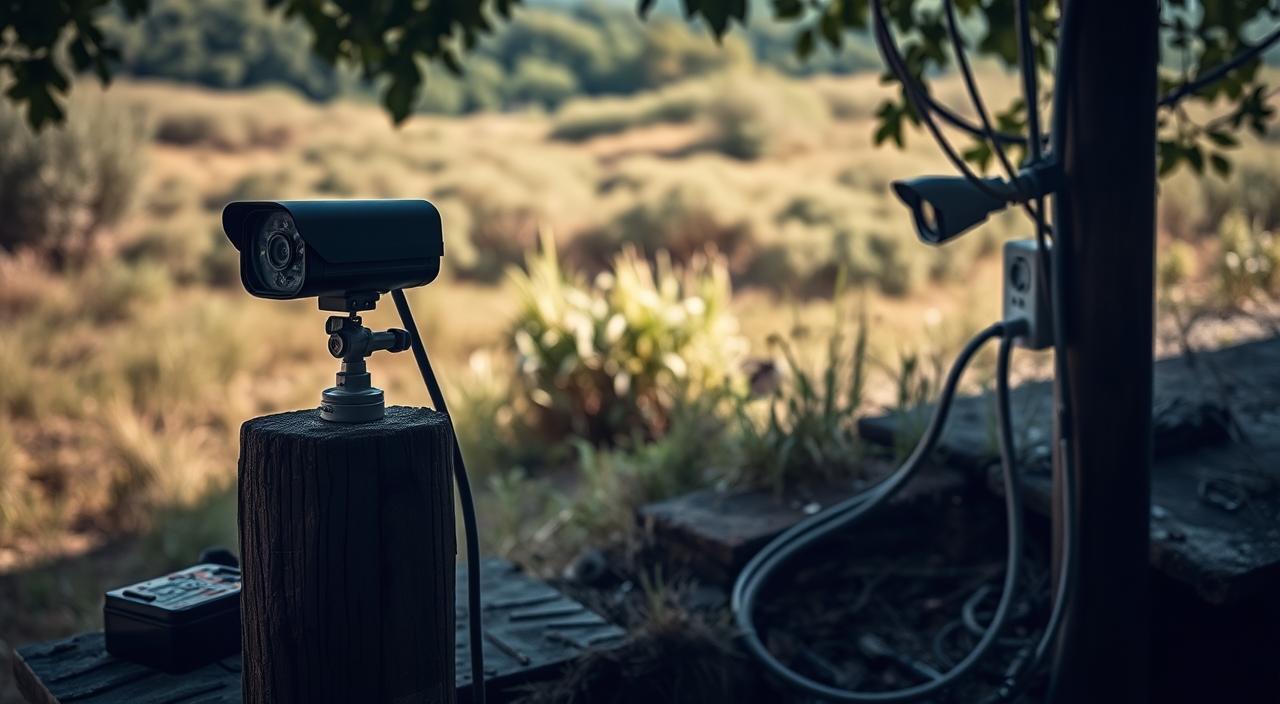
Solar-Powered Camera Options
Solar cameras charge during the day, which can make them last longer. They’re great for sunny spots. But, weather and how they’re set up can affect their solar power.
Wired Power Solutions and Installation
Hardwired cameras get power straight from the wall, so you don’t have to worry about batteries. But, setting them up can be tricky and might need a pro.
Hybrid Power Systems
Some systems use both battery and hardwired power. For example, a camera might use the wall for power but have a battery for when it’s out. Knowing about these options helps you find the best fit for your security needs.
Thinking about these points helps you decide between battery or hardwired cameras for your outdoor security.
Pros and Cons of WiFi-Free Outdoor Cameras
Exploring outdoor cameras, WiFi-free options stand out. They offer benefits and drawbacks to think about. These are key when picking the right camera for your needs.
Advantages of Non-WiFi Security Systems
Non-WiFi Outdoor Cameras work without the internet. This is great for places with no or bad internet. They offer a secure way to watch over your space without internet risks.
They also save money over time. No need for monthly internet or data plans.
Limitations and Challenges
Non-WiFi cameras have some downsides. They might need harder setup and can’t be watched from afar. Some have small storage, which can be a problem for long-term footage.
Security and Hacking Considerations
WiFi-free cameras are safer from internet hacks. But, it’s important to keep them safe. Use encrypted storage devices and protect them from tampering.
Cost Comparison Over Time
Looking at the cost of WiFi-free cameras, think about the long haul. They might cost more upfront but save money in the long run. Here’s a cost comparison:
| Camera Type | Initial Cost | Monthly Cost | Total Cost (1 year) |
|---|---|---|---|
| WiFi-enabled Camera | $100 | $10 | $220 |
| Non-WiFi Camera | $150 | $0 | $150 |

Key Features to Look for in Non-WiFi Outdoor Cameras
To get the most out of your outdoor surveillance without WiFi, it’s key to look at the camera’s features closely.
When choosing outdoor cameras that don’t need WiFi, several factors can greatly affect their performance and usefulness.
Video Resolution and Night Vision
The video resolution of an outdoor camera shows how clear the images are. Look for cameras with high-resolution video, like 1080p or 4K, for clear details.
Night vision is also important, with infrared (IR) LEDs that light up the scene in the dark. Some cameras even offer color night vision, giving more detailed images in low light.
Key Video Resolution Features:
- High-definition (HD) or 4K resolution
- Infrared or color night vision capabilities
- Wide dynamic range (WDR) for handling varying light conditions
Motion Detection and Alerts
Motion detection is key for outdoor cameras, alerting you to security breaches. Advanced cameras can tell the difference between people, animals, or vehicles, cutting down on false alarms. Customizable motion detection zones also help focus on specific areas of interest.
| Feature | Description | Benefit |
|---|---|---|
| Motion Detection | Alerts for detected movement | Enhanced security monitoring |
| Customizable Zones | Focus on specific areas | Reduced false alarms |
Weather Resistance and Durability
Outdoor cameras must handle various weather, like rain, snow, and extreme temperatures. Look for cameras with IP66 or higher ratings, showing they’re dust-tight and water-resistant. The material, like metal or high-quality plastic, also affects durability.
“The best outdoor cameras are those that can withstand harsh weather conditions without compromising on video quality or functionality.”
Remote Access Capabilities
Even without WiFi, some outdoor cameras offer remote access through cellular networks or apps. This lets you watch your property from anywhere, getting alerts and viewing live footage as needed.

By focusing on these key features, you can pick a non-WiFi outdoor camera that meets your security needs. It will provide reliable surveillance and peace of mind.
Installation and Setup of Non-WiFi Outdoor Cameras
To get the most out of your WiFi-free outdoor camera, proper installation is key. You need to understand how to set it up for the best performance.
DIY Installation Tips and Tools
When you install your non-WiFi outdoor camera yourself, having the right tools is important. You’ll need a drill, screws, and maybe a ladder for high spots. Always follow the manufacturer’s guide for mounting and placing the camera.
Key DIY tips include: check the camera’s view, make sure it’s level, and secure it well against the weather.
Professional Installation Considerations
If DIY installation feels too hard, think about getting a pro. They can check your place and find the best spots for your camera. Professional setup means your WiFi-Free Outdoor Camera Solutions will work right.
Optimal Placement for Maximum Coverage
Where you place your camera matters a lot for security. Think about what you want to watch, like doors, driveways, or backyards. Make sure the camera gets clear shots, considering light and any blocks.
Troubleshooting Common Setup Issues
Setup problems like bad image quality or connection issues can happen. Check the camera’s focus, clean it, and make sure all connections are tight. For Outdoor Security Cameras with Local Storage, make sure your storage is connected right and has enough space.
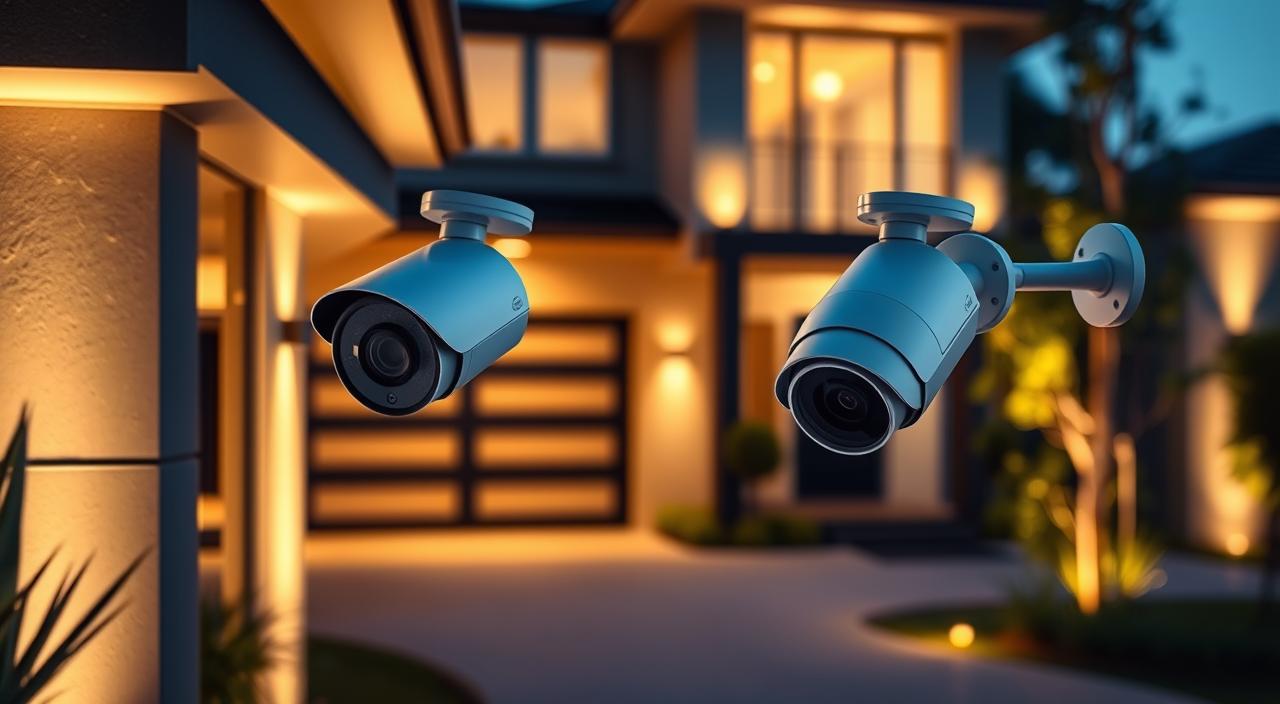
Top Non-WiFi Outdoor Camera Systems for 2023
In 2023, outdoor security cameras without WiFi have improved a lot. They offer better security and flexibility. Many top non-WiFi outdoor camera systems are now available for homeowners.
Best Cellular-Connected Options
Cellular-connected cameras are a good choice instead of WiFi. They use cellular networks to send data. This makes them perfect for areas without WiFi. Some top models include:
- Reolink Cellular Camera: Offers 4G connectivity and solar power options.
- Arlo Ultra with Cellular Backup: Provides high-definition video and a backup cellular connection.
Best Local Storage Systems
Local storage options are great for those who don’t want cloud storage or internet. These cameras save footage on SD cards or DVR/NVR systems.
- Amcrest ProHD Camera: Offers local storage on SD cards up to 128GB.
- Lorex NVR System: A complete system with local recording capabilities.
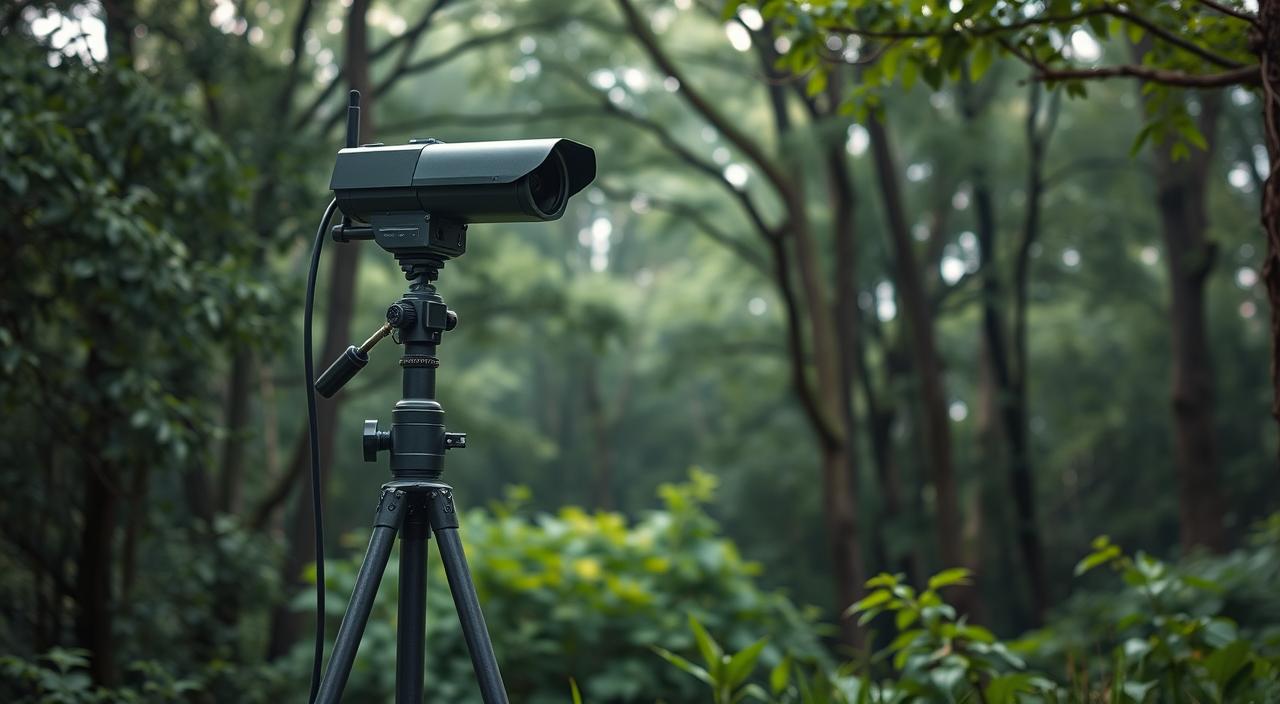
Best Budget-Friendly Choices
Even on a tight budget, there are good non-WiFi outdoor camera options.
- Blink XT2: Affordable and battery-powered, with local storage options.
- Ring Stick Up Cam: Offers flexibility with battery or wired power and local storage.
Best for Remote Properties
For remote areas, cellular-connected cameras are the best choice.
- Reolink 4G LTE Camera: Designed for remote monitoring with 4G connectivity.
- Arlo Go 2: A cellular-connected camera ideal for areas without WiFi.
When picking a non-WiFi outdoor camera system, think about power, storage, and connectivity. This will help you find the best one for your security needs.
FAQ Of Do Outdoor Cameras Work Without WiFi? Explained
Do outdoor cameras work without WiFi?
Yes, outdoor cameras can work without WiFi. You can use cellular-connected cameras, local storage systems, or wired cameras. These options don’t need the internet.
What are the alternatives to WiFi for outdoor cameras?
You can use cellular networks, local storage like SD cards, or wired connections. These alternatives let outdoor cameras work without WiFi.
Can I monitor outdoor cameras without internet?
Yes, some outdoor cameras can be monitored locally without internet. Cameras with local storage or wired connections can be viewed directly. Just connect them to the same network as your device.
Are non-WiFi outdoor cameras secure?
Non-WiFi outdoor cameras can be secure if set up right. Look for cameras with strong encryption and secure data storage. Regular software updates also help prevent hacking.
How do cellular-connected outdoor cameras work?
Cellular-connected outdoor cameras use cellular networks to send data. They need a SIM card and a data plan, like a smartphone. This lets them send footage to the cloud or a monitoring center.
What are the costs associated with cellular-connected outdoor cameras?
Costs include the camera, data plans, and cloud storage fees. Data plans vary by provider and usage.
Can I use outdoor cameras without a data plan?
Yes, some cameras like those with local storage or wired connections don’t need a data plan. But, cameras that connect via cellular usually do.
What are the best non-WiFi outdoor camera systems?
The best systems vary based on your needs, like cellular, local storage, or budget. Compare models from Reolink, Arlo, or Lorex to find the right one.
How do I ensure my outdoor camera’s data is secure?
For secure data, choose cameras with strong encryption and use secure passwords. Keep software updated. Backing up data and using secure storage also protects your footage.
Conclusion
Outdoor cameras can work without WiFi. They offer many choices for homeowners who want reliable security. We’ve looked at options like cellular-connected cameras and local storage systems.
Cellular-connected cameras send data over cellular networks, not WiFi. Local storage keeps footage on SD cards or DVR/NVR systems. This way, your security footage stays safe, even offline.
When picking an outdoor camera without WiFi, think about video quality, motion detection, and weather resistance.
Knowing your needs and the choices available helps you find the right camera system. This way, you can protect your property well.