What to Do If Your Outdoor Camera Stops Working?
I remember the frustration when my outdoor camera stopped working during a storm. It showed how vulnerable our home security is when devices fail. Keeping your outdoor camera working is key for your home’s safety.
When an outdoor camera malfunctions, your property may be at risk. In this article, I’ll help you fix common outdoor camera problems. This way, you can easily watch over your home again.
Key Takeaways

Understanding Common Outdoor Camera Problems
Outdoor cameras can face issues like simple connectivity problems or complex hardware failures. It’s key to spot the symptoms and find the cause of the malfunction.
Identifying Symptoms of Camera Failure
First, we need to find out why the camera isn’t working. This could be a total loss of video, images that are distorted, or the camera won’t turn on.
I check the power source, network connection, and the camera’s physical state to figure out what’s wrong.
Most Frequent Causes of Malfunction
Cameras can stop working for many reasons. These include power issues, network connectivity problems, or physical damage. Knowing these common causes helps fix the problem quickly. Sometimes, just restarting the power can solve connectivity issues.

Assessing the Severity of the Issue
It’s important to know how serious the problem is. If the camera won’t work at all, it might need to be replaced.
But if it’s just about image quality or connection, we can try to fix it. I look at the camera’s condition and decide what to do next.
Quick Fixes to Try First
Before you start with complex troubleshooting, try some quick fixes. These simple steps might get your camera working again.
Performing a Simple Restart
One easy fix is to restart your outdoor camera. This can fix problems caused by software glitches. Just turn off the camera, wait a bit, and then turn it back on.
Checking All Physical Connections
Make sure all cables are well connected to the camera and the power source. Loose connections can cause problems. Check the cables for damage and replace them if needed.
Verifying Power Supply Functionality
A bad power supply can stop your camera from working. Check if the power supply is working right.
Testing Outlets and Batteries
If your camera is plugged in, try a different outlet. This can help find electrical supply issues. For battery cameras, check the battery level and replace it if it’s low.
Inspecting Power Cables for Damage
Look for any damage on the power cables, like cuts or frays. Damaged cables can stop the camera from getting power. Replace any damaged cables with new ones.
| Troubleshooting Step | Action | Potential Resolution |
|---|---|---|
| Restart Camera | Power off and on | Resolves software glitches |
| Check Connections | Inspect and secure cables | Fixes loose or damaged connections |
| Verify Power Supply | Test outlets and batteries | Resolves power-related issues |

By trying these quick fixes, you might solve common outdoor camera problems. If the issue doesn’t go away, you’ll need to do more troubleshooting.
Troubleshooting Power-Related Issues
Power problems often cause outdoor cameras to malfunction. It’s key to check the power source when your camera stops working.
Resolving Battery Drainage in Wireless Cameras
Battery issues are common in wireless outdoor cameras. Check the battery level often. Also, adjust the camera’s motion detection to cut down on false alerts.
Fixing Power Adapter Problems
For wired cameras, inspect the power adapter for damage. A working adapter is essential.
Installing Backup Power Solutions
Think about adding backup power to avoid downtime.
Solar Panel Options
Solar panels are great for sunny spots. They keep your cameras running.
Battery Backup Systems
Battery backups are reliable during power outages. They ensure your cameras keep watching.
| Backup Power Solution | Benefits | Considerations |
|---|---|---|
| Solar Panels | Reliable power in sunny conditions, eco-friendly | Dependent on sunlight, initial investment |
| Battery Backup | Continuous power during outages, easy to install | Regular maintenance, cost of replacement batteries |

Solving Network and Connectivity Problems
To get your outdoor camera working again, fixing network and connectivity issues is key. Several things can affect how well your camera connects to your network.
Improving Wi-Fi Signal Strength
A strong Wi-Fi signal is vital for a stable connection. To boost your Wi-Fi, try repositioning your router or getting a more powerful one. Wi-Fi range extenders can also help increase the signal.

Addressing Router Configuration Issues
Router problems can stop your camera from connecting. Make sure your router is set up right. You might need to change the DHCP settings or update the router's firmware.
Resolving IP Address Conflicts
IP address conflicts happen when two devices share the same IP. Try restarting your router or giving your camera a static IP address to fix this.
Static vs. Dynamic IP Settings
Static IP settings give your camera a fixed IP address. Dynamic settings let the router pick one. Static settings can avoid IP conflicts.
Port Forwarding Troubleshooting
Port forwarding lets you access your camera from anywhere. To fix port forwarding problems, make sure the right ports are open and the IP address is set up right.
| Issue | Solution |
|---|---|
| Poor Wi-Fi signal strength | Reposition router or use Wi-Fi range extenders |
| Router configuration issues | Adjust DHCP settings or update router firmware |
| IP address conflicts | Restart router or assign static IP address |
What to Do If Your Outdoor Camera Stops Working Due to Weather Damage
If your outdoor camera stops working because of weather damage, there are steps to fix it. Heavy rain, snow, and extreme temperatures can harm the camera.

Drying Out Water-Damaged Cameras
If your camera got wet, dry it out fast. First, turn off the power to avoid short circuits. Then, take off any removable parts and dry the outside with a soft cloth.
Protecting Against Future Moisture Issues
To stop moisture problems later, make sure your camera is sealed well. Look for cracks or gaps in the housing and seal them with waterproof sealant. A camera housing with a higher IP rating can also help protect against weather.
Dealing with Temperature-Related Failures
Extreme temperatures can also damage cameras. Here’s what you can do:
Cold Weather Solutions
In cold weather, make sure your camera can handle low temperatures. You might also need a camera heater or insulation to keep it stable.
Heat Protection Measures
In hot weather, give your camera some shade or use a sunshield. Also, make sure there’s good airflow to prevent it from overheating.
| Weather Condition | Potential Issue | Solution |
|---|---|---|
| Heavy Rain | Water ingress | Dry out the camera, seal any gaps |
| Extreme Cold | Camera freezing | Use a camera heater or insulation |
| Extreme Heat | Overheating | Provide shade, ensure good airflow |
Fixing Software and Firmware Glitches
Software and firmware glitches can really mess up your outdoor camera. They might cause problems like not connecting, poor video, or even stop working altogether.
Updating to the Latest Firmware Version
First, make sure your camera has the newest firmware. Updates fix bugs, boost performance, and add security. Here’s how to update:
- Visit the manufacturer’s website for the latest firmware.
- Download the update file.
- Install it on your camera as the instructions say.
Troubleshooting Mobile App Connection Issues
Many cameras use mobile apps for control. If you’re having app connection problems, try these fixes:
- Restart your camera and phone.
- Make sure your internet is working well.
- Update your app to the newest version.
Performing Factory Resets Properly
If other fixes don’t work, a factory reset might be needed. But be careful with this step.
Saving Settings Before Reset
Save any custom settings before resetting. This makes setting up your camera again easier.
Reconfiguration Steps After Reset
After resetting, set up your camera again. This includes Wi-Fi, motion detection, and alert settings. Check your manual for how to do this.

By following these steps, you can fix software and firmware problems in your outdoor camera. This ensures it works well and safely.
Addressing Physical Camera Damage
Fixing physical damage to your outdoor camera needs a careful plan. Damage can show up in many ways, like dirty lenses or broken housings.
Cleaning Lenses and Sensors Safely
Keeping your camera’s image quality high means cleaning the lenses and sensors often. Use a soft, dry cloth to remove dirt and dust.
For tough stains, dampen the cloth with distilled water. But, never use harsh chemicals or rough materials that could harm the lens.
Repairing or Replacing Damaged Housings
If your camera’s housing is damaged, decide if it can be fixed or if you need a new one. For small cracks or breaks, epoxy can work well.
But, if the damage is big, getting a new housing might be cheaper. Make sure any new parts fit your camera model.
Securing Cameras Against Vandalism
Vandalism is a big worry for outdoor cameras. To keep your camera safe, install it where it’s hard to reach or use anti-tamper measures.
Anti-Tamper Measures
Anti-tamper screws and clips can stop vandals. They make it hard for them to get to the camera’s inside parts.
Protective Enclosures
Protective enclosures add extra security. They protect the camera from damage and bad weather.

Fixing physical damage well helps solve outdoor camera problems. It ensures your camera works right.
Diagnosing Specific Camera Symptoms
When your outdoor camera stops working, figuring out the exact problem is key. You need to know if it’s about the video, image quality, or night vision. This helps you fix it right.
Fixing No Video/Black Screen Issues
A black screen or no video can have many causes. It might be a power issue, a cable problem, or a camera setting. First, check the power and make sure all cables are plugged in tight.
Resolving Poor Image Quality Problems
Poor image quality can come from dirty lenses, wrong camera settings, or sensor issues. Cleaning the lens and tweaking the settings can usually fix it.
Troubleshooting Night Vision Failures
Night vision problems might be with the IR illuminator or the light sensor. These parts are key for seeing in the dark.
IR Illuminator Testing
See if the IR illuminator works by testing it in a dark place. This will tell you if it’s the problem.
Light Sensor Verification
Make sure the light sensor is okay. It helps the camera switch to night mode.
| Symptom | Possible Cause | Solution |
|---|---|---|
| No Video/Black Screen | Power supply issues, cable problems | Check power supply, cables |
| Poor Image Quality | Lens dirtiness, incorrect settings | Clean lens, adjust settings |
| Night Vision Failure | IR illuminator or light sensor issue | Test IR illuminator, verify light sensor |
Advanced Diagnostic Techniques
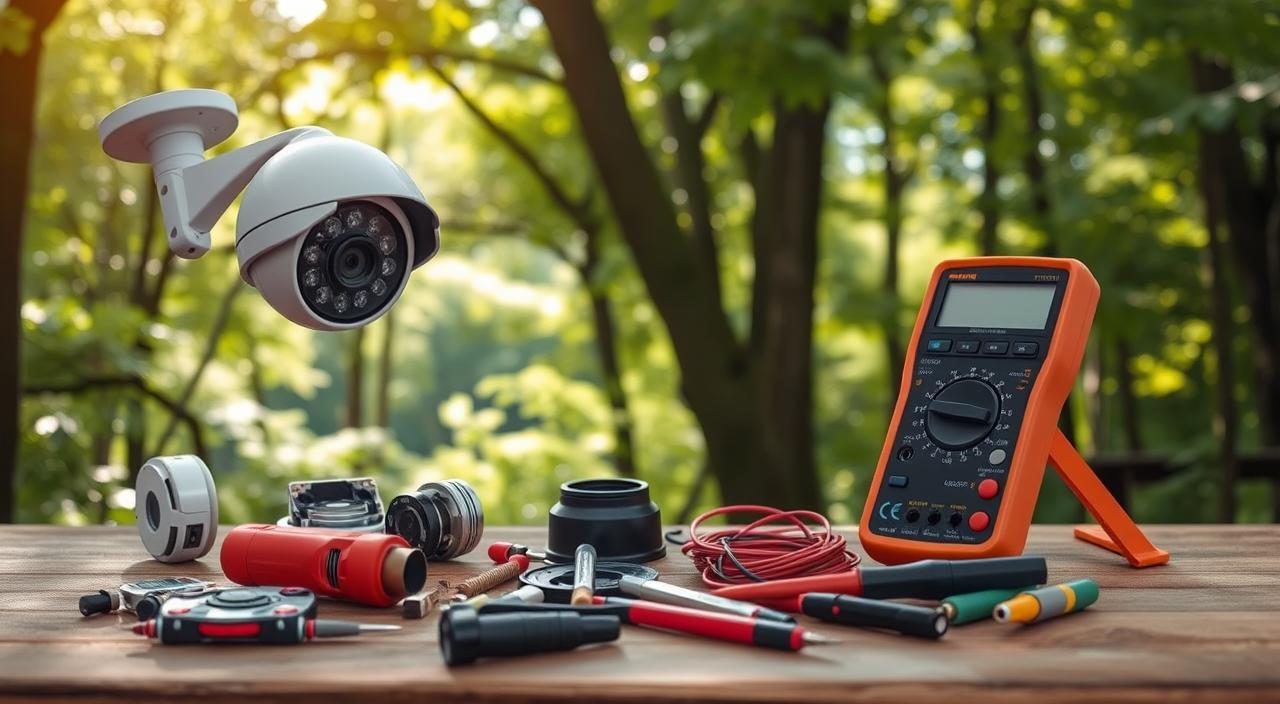
To fix your outdoor camera, you need to go beyond basic checks. Advanced diagnostic methods are key to finding complex problems. These methods help solve issues that simple checks can’t.
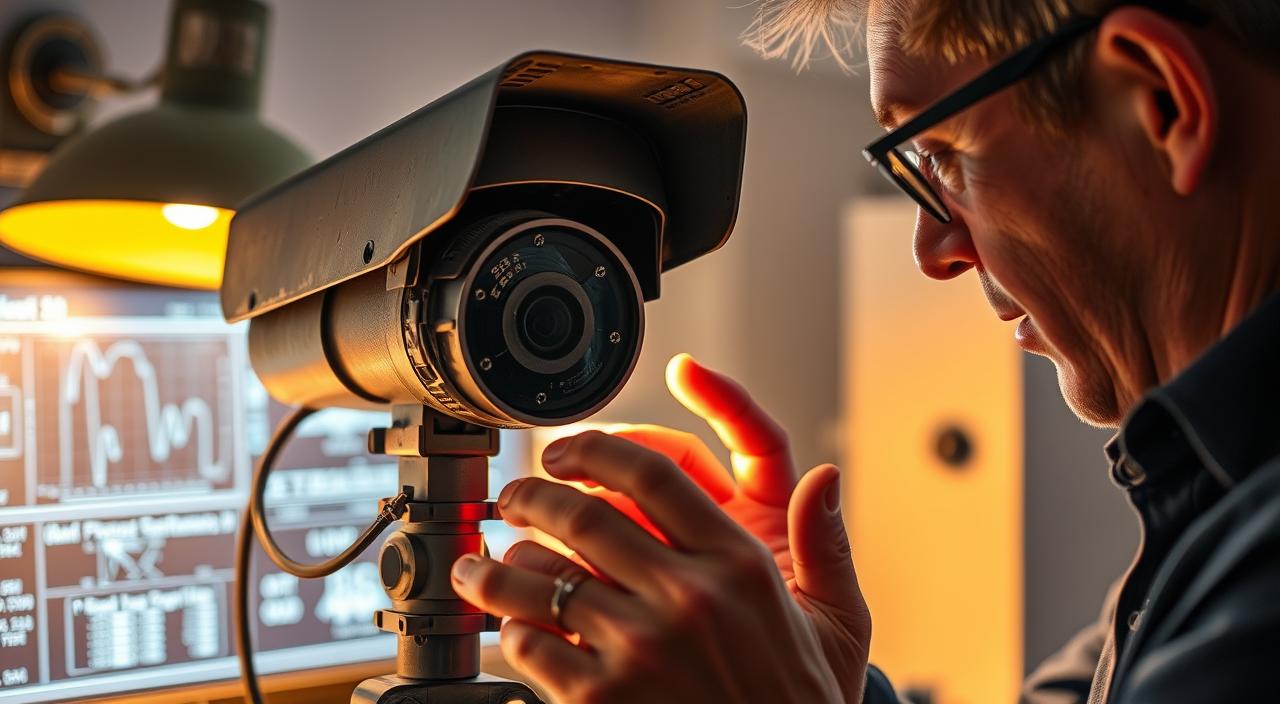
Using Camera System Logs for Troubleshooting
Start by checking the camera’s system logs. These logs offer insights into the camera’s activity and errors. By looking at the logs, you can spot patterns or specific errors that show the problem’s source.
Testing with Alternative Devices and Cables
It’s possible the issue isn’t with the camera but with cables or devices. Try using different cables or devices with the camera. This can help figure out if the problem is with the camera or the connected hardware.
Isolating Component Failures
To find out which part is failing, you need to separate camera, network, and power issues.
Camera vs. Network vs. Power Issues
- Camera Issues: Look for physical damage or firmware problems.
- Network Issues: Make sure Wi-Fi is working and the router is set up right.
- Power Issues: Check the power cables and adapters for damage or issues.
Using Process of Elimination
The process of elimination means checking each part one by one. First, disconnect the camera from the network and power. Then, test each part separately to find the problem.
When and How to Contact Professional Support
When your outdoor camera stops working, knowing when to seek professional help can save you time and frustration. Despite trying various troubleshooting steps, some issues may persist, requiring expert assistance.
Preparing Information for Technical Support
Before contacting technical support, gather relevant information about your outdoor camera, including:
- Model number and serial number
- Firmware version
- Detailed description of the issue
- Any error messages or beeps
Understanding Warranty Coverage
Check your warranty coverage to determine if repairs or replacements are covered. Review the terms and conditions to understand what’s included.
Working Effectively with Support Teams
To work effectively with support teams, have the necessary documentation ready and be prepared to explain the problem clearly.
Documentation to Have Ready
- Proof of purchase
- Warranty documents
- Camera’s user manual
Explaining the Problem Clearly
Be prepared to describe the issue in detail, including any troubleshooting steps you’ve taken. This will help the support team understand your problem and provide a more accurate solution.

Deciding Between Repair and Replacement
When an outdoor camera fails, homeowners must weigh the pros and cons of repair versus replacement.
This decision involves several factors. These include the cost of repairs, the price of a new camera, and the benefits of professional versus DIY installation.
Evaluating Repair Costs vs. New Camera Price
To make an informed decision, compare the cost of repairing your outdoor camera to the price of a new one. Consider the following:
- The age and condition of your current camera
- The cost of replacement parts and labor
- The price of a new camera with potentially improved features
If the repair cost exceeds 50% of the new camera’s price, replacement is likely the more economical choice.
Selecting a More Reliable Replacement
If you decide to replace your outdoor camera, look for models with:
- Improved weather resistance
- Enhanced night vision capabilities
- Advanced motion detection features
Consider a camera with a good reputation for reliability and durability.
Professional vs. DIY Installation Considerations
When replacing your camera, you must decide between professional installation and DIY. Consider factors such as:
Compatibility with Existing Systems
Ensure the new camera is compatible with your existing security system to avoid additional costs or complications.
Future-Proofing Your Security Setup
Choose a camera that supports the latest technology and features to future-proof your security setup.

FAQ Of What to Do If Your Outdoor Camera Stops Working
What should I do first if my outdoor camera stops working?
First, try restarting your camera. This often fixes connectivity and software issues. If that doesn’t work, check all connections and the power supply.
How do I troubleshoot power-related issues with my outdoor camera?
Check if your wireless camera’s battery is drained. Look for damage on power adapters. Think about using solar panels or battery backups.
Why is my outdoor camera’s Wi-Fi signal weak, and how can I improve it?
Weak Wi-Fi signals might be due to distance or obstructions. Move your router closer or use extenders. Switch to 5GHz for a stronger signal.
How do I update my outdoor camera’s firmware, and why is it important?
Visit the manufacturer’s website for updates. Follow their instructions to update. Updates are key for security, new features, and fixing issues.
What should I do if my outdoor camera is damaged by weather?
For water damage, try drying it out. For temperature issues, check if it’s rated for the temperature. Use weather-resistant housings or coatings.
How can I diagnose and fix issues with my outdoor camera’s night vision?
Check the IR illuminator for damage or blockage. Make sure the light sensor works. Adjust settings for night vision. Clean the lens or adjust the camera’s position.
When should I consider contacting professional support for my outdoor camera issues?
If troubleshooting doesn’t work, or you’re unsure, contact support. Gather info about your camera and the issue.
How do I decide whether to repair or replace my outdoor camera?
Compare repair costs to buying a new camera. Consider the camera’s age, condition, and compatibility. If repair costs are high or the camera is outdated, replacing might be better.
What are some advanced diagnostic techniques for troubleshooting outdoor camera issues?
Use camera logs to find error messages. Test with different devices and cables. Use elimination to find the problem source.
How can I prevent my outdoor camera from being vandalized or tampered with?
Use protective enclosures, secure mounting, and vandal-resistant housing. Regularly check for tampering signs. Adjust the camera’s position if needed.
Conclusion
Dealing with an outdoor camera that stops working can be frustrating. But, with the right steps, you can fix it quickly. We’ve covered many solutions, from simple fixes to more complex ones.
If your outdoor camera isn’t working, first figure out why. Look for power issues, network problems, or physical damage. Knowing the cause helps you find the right solution, like updating firmware or fixing damaged parts.
If problems keep coming back, you might need professional help. Or, you might find it cheaper to repair or replace it.
By following our advice, you can fix your outdoor camera issues. Stay focused and patient to solve your problems.