Easy Tips to Clean & Maintain Outdoor Cameras
As a homeowner, I’ve learned how vital it is to keep my outdoor security camera in top shape. It’s not just about setting it up. It’s about making sure it keeps working well. A camera that’s well-maintained gives clear footage, which is key for keeping your home safe.
Regular maintenance is essential to make your outdoor security camera last longer. It’s more than just checking if it’s on. You need to clean the lens, update the software, and make sure it’s in the right spot.
By following simple tips for maintenance, you can keep your camera giving you top-notch footage. This boosts your home’s security.
Key Takeaways

Why Regular Maintenance of Your Outdoor Security Camera Matters
Regular maintenance is key to keeping your outdoor security camera in top shape. These cameras face many environmental challenges that can harm their performance and lifespan. Regular checks help spot problems early, preventing bigger issues later.

Impact of Neglect on Camera Performance
Ignoring maintenance can hurt your camera’s performance. Dirt, dust, and moisture can mess up the lens, making images blurry or distorted.
Also, not checking cable connections can cause signal loss or poor video quality. These problems can weaken the security your camera is meant to offer.
Poor maintenance can lead to:
- Reduced image quality
- Increased risk of signal loss
- Potential system failures
How Maintenance Extends Camera Lifespan
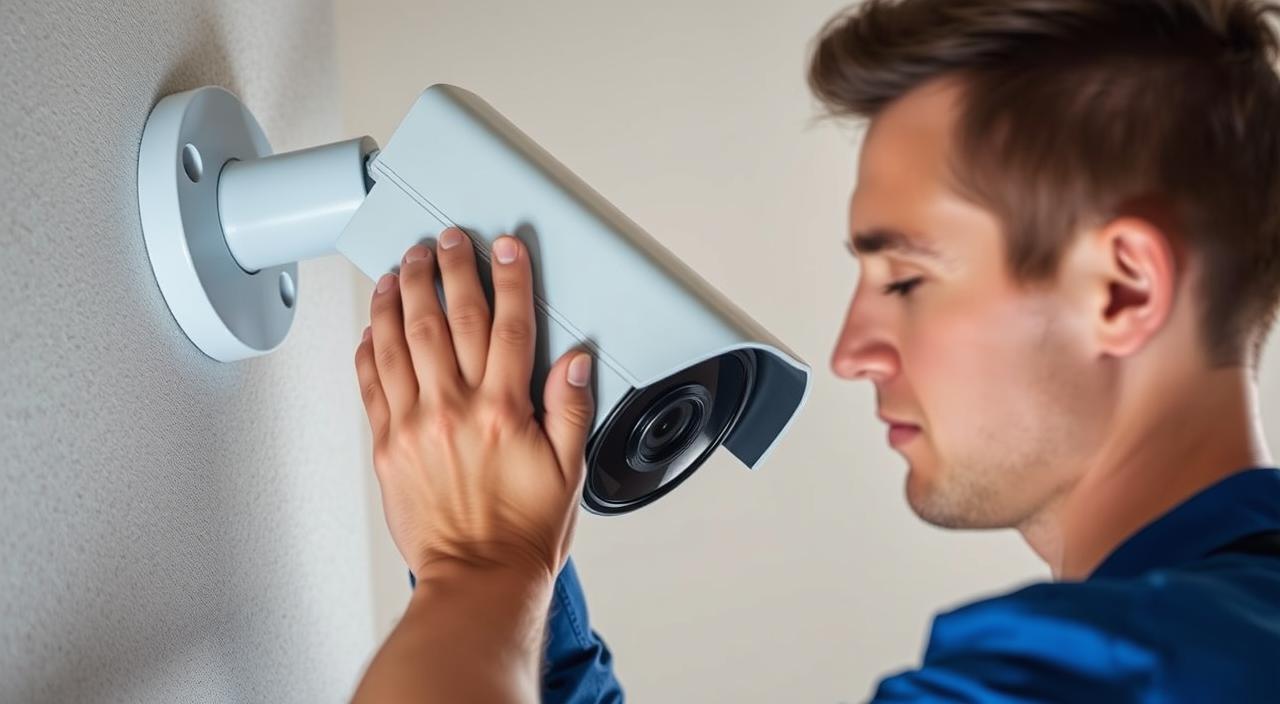
Regular maintenance boosts performance and extends your camera’s life. Cleaning the lens, updating firmware, and checking cables prevent damage. This way, you make the most of your investment.
Some important maintenance tasks are:
- Cleaning the camera lens and housing
- Checking and updating firmware
- Inspecting cable connections
By doing these simple tasks, you can greatly extend your camera’s life. This ensures it keeps providing reliable surveillance.
Essential Tools and Supplies for Camera Maintenance
Keeping your outdoor security camera in top shape starts with the right tools and supplies. You’ll need the correct equipment to make sure your camera works its best.
Cleaning Supplies You’ll Need
Cleaning your outdoor security camera is key to its performance. The right cleaning supplies can make a big difference.
Microfiber Cloths and Lens Cleaners
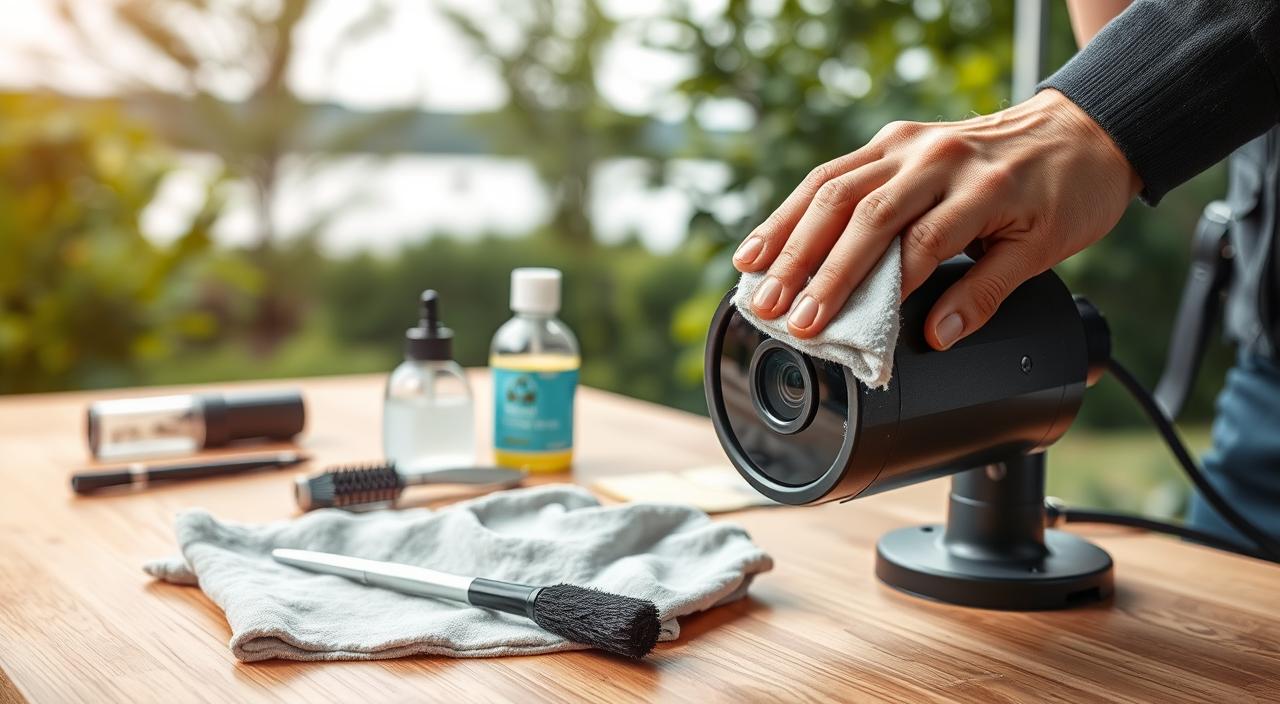
Microfiber cloths are soft on camera lenses and housings. They’re perfect for cleaning. Use them with a lens cleaner to remove dirt and grime without streaks or residue.
Specialized Cleaning Solutions
For tough dirt or grime, specialized cleaning solutions are the way to go. These solutions are safe for electronic devices and help keep your camera in good shape.
Recommended Tools for Maintenance Tasks
Along with cleaning supplies, the right tools make maintenance easier. They help ensure your camera is well cared for.
Basic Tool Kit Components
A basic tool kit should have screwdrivers and pliers. These are useful for adjusting or fixing your camera’s mounting or connections.
Safety Equipment
Safety equipment like gloves and safety glasses is vital for maintenance. They’re important when you’re working in hard-to-reach areas.

Step-by-Step Guide to Cleaning Your Outdoor Security Camera
To keep your outdoor security camera working well, regular cleaning is key. A clean camera gives clearer footage and helps protect against security threats.
Powering Down Your Camera Safely
First, turn off your camera safely. This step prevents damage or shock. Find the power source and switch it off. Also, make sure any connected networks or devices are shut down to avoid losing data.
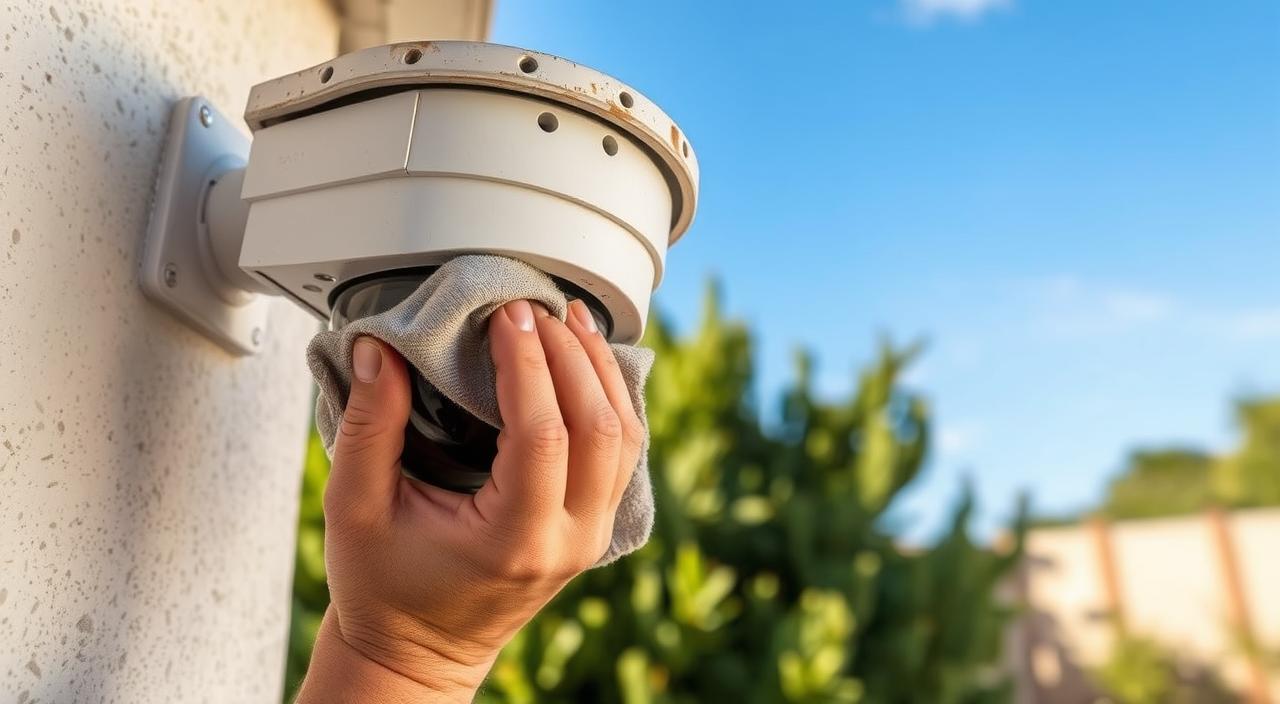
Cleaning the Camera Lens and Housing
Cleaning the lens and housing needs care and the right methods. Start by gently removing debris with a soft-bristled brush or dry cloth.
Lens Cleaning Techniques
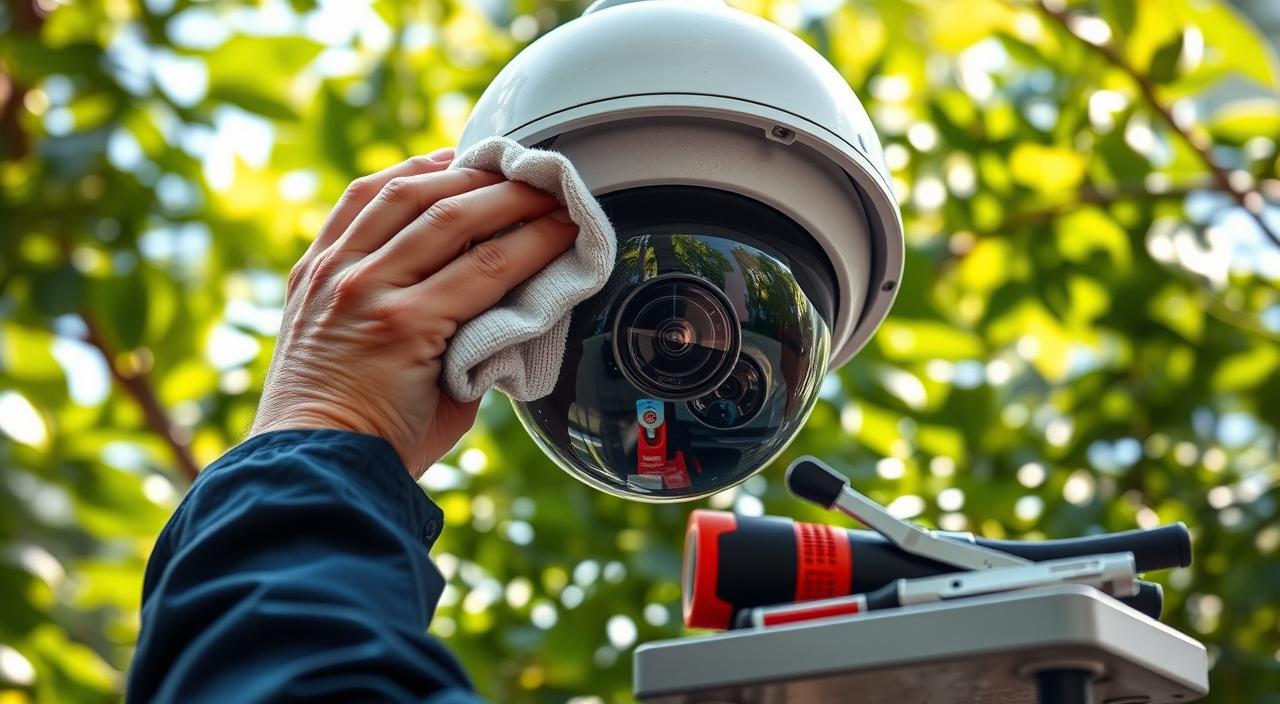
To clean the lens, use a microfiber cloth with distilled water. This removes smudges without scratching. For tough spots, a special lens cleaner is okay.
Housing Maintenance
Clean the housing with a mild soap and soft cloth. Make sure to remove all soap to avoid streaks. Check the manufacturer’s guide for weatherproof cameras.
Addressing Cable Connections and Mounts
Check the cable connections for wear or damage. Clean them with a dry cloth and ensure they’re tight. Also, check the mounts are secure and adjust as needed.
| Component | Cleaning Method | Frequency |
|---|---|---|
| Lens | Microfiber cloth with distilled water | Monthly |
| Housing | Mild soap solution and soft cloth | Quarterly |
| Cable Connections | Dry cloth | Bi-Annually |
| Mounts | Inspection and adjustment as needed | Annually |
By following these steps, your outdoor security camera will stay in top shape. This gives you peace of mind and reliable security.
Seasonal Tips to Clean and Maintain Your Outdoor Security Camera
To keep your outdoor security camera working well all year, you need to do seasonal maintenance. Different seasons bring different challenges, like weather and debris. By changing your maintenance routine with the seasons, your camera will stay in great shape.
Spring and Summer Maintenance Checklist
In spring and summer, your camera might deal with pollen, dust, and hot weather. Here’s a checklist to help keep it in good shape:
- Clean the camera lens and housing to remove dirt and pollen.
- Check for and remove any spider webs or insect nests.
- Ensure the camera’s mounting is secure and adjust if necessary.
- Inspect cable connections for damage or wear.
Also, think about how longer days and more sunlight affect your camera. Adjusting its settings to handle glare or intense light can help.
| Task | Spring | Summer |
|---|---|---|
| Clean Lens and Housing | Yes | Yes |
| Check for Spider Webs | Yes | Yes |
| Inspect Cable Connections | Yes | Yes |
Fall and Winter Maintenance Checklist
When it gets cooler and days get shorter, your camera needs some adjustments. Here’s what to do:
- Clear leaves and debris from around the camera.
- Check the camera’s night vision settings as days get shorter.
- Ensure the camera’s housing is free from snow and ice.
- Verify that the camera’s mounting can withstand winter weather conditions.
It’s also important to check how well the camera works in low light. Adjust settings as needed to keep the footage clear.
| Task | Fall | Winter |
|---|---|---|
| Clear Debris | Yes | Yes |
| Check Night Vision | Yes | Yes |
| Clear Snow and Ice | No | Yes |
Protecting Your Camera from Weather Elements
Keeping your outdoor security camera safe from the weather is key. Rain, snow, and extreme temperatures can harm its performance and lifespan.
Waterproofing Techniques and Products
To shield your camera from water damage, try waterproofing methods and products. Here are some helpful tips:
- Use a waterproof housing or casing made for outdoor security cameras.
- Apply a silicone sealant around the camera’s joints and openings to keep water out.
- Check the camera’s seals often for wear or damage.
Sun and Heat Protection Strategies
Too much sun can overheat and damage your camera’s inside parts. To avoid this:
- Place the camera in a shaded spot if you can.
- Use a sunshield or hood to block direct sunlight.
- Make sure the camera can handle high temperatures.
Cold Weather and Snow Maintenance Tips
In cold weather, snow and ice can block the camera’s view. To keep it working well:
- Clear snow from the camera’s lens and housing regularly.
- Choose a camera with a heater or defroster for very cold places.
- Check the camera’s mount to make sure it’s secure in icy weather.
By following these tips, you can make your outdoor security camera last longer. It will keep providing reliable surveillance, no matter the weather.
Dealing with Common Outdoor Camera Problems
Outdoor security cameras face many challenges. Simple maintenance can solve these problems. They are exposed to weather, which can affect their performance and video quality.

Addressing Fogging and Moisture Issues
Fogging and moisture can lower your camera's effectiveness. Make sure the camera housing is sealed well. Use silica gel packets or desiccants to keep moisture away.
Check the lens for fog and clean it with a soft cloth. If fogging doesn’t go away, try an anti-fog coating on the lens.
Removing Spider Webs and Insect Nests
Spider webs and nests can block your camera’s view. Use a soft-bristled brush or compressed air to clean the lens and housing. Cleaning often stops these problems.
Fixing Poor Night Vision Performance
Poor night vision? Check the infrared LEDs for cleanliness and obstructions. Make sure the camera’s night vision settings are right. You might need to adjust IR sensitivity or replace LEDs.
Fixing these common issues can make your outdoor camera work better. Regular care keeps your camera giving clear, reliable footage.
Software and Firmware Maintenance for Optimal Performance
Keeping your outdoor security camera’s software and firmware up to date is key. Regular updates can fix bugs, boost performance, and add new features. This keeps your camera running smoothly.
Keeping Your Camera’s Software Updated
Updating your camera’s software is easy and makes a big difference. Here’s how to do it:
- Check the manufacturer’s website for updates.
- Follow the instructions for downloading and installing the update.
- Make sure your camera is online during the update.
By updating your camera’s software, you get better performance and security.

Managing Storage and Recording Settings
Managing storage and recording settings is important for your camera’s performance. Here are some tips:
- Check your camera’s storage often and delete unnecessary footage.
- Adjust the recording quality and frame rate as needed.
- Think about using cloud storage for extra security.
By managing these settings well, your camera will keep recording important events without stopping.
Professional vs. DIY Maintenance: When to Call an Expert
Keeping your outdoor security camera in good shape is important. Knowing when to do it yourself and when to call a pro is key. DIY care can save money and is easy. But, some jobs need a pro’s touch.
Signs Your Camera Needs Professional Attention
There are clear signs your camera needs a pro. Look out for:
- Image quality problems that won’t go away
- Damage to the camera or its case
- Wiring or connection issues you can’t fix
- Software or firmware problems
If you see these signs, it’s time to get help. This ensures your camera works right.
Security experts say ignoring these signs can hurt your camera’s performance. It might even risk your safety.
Cost Comparison: Professional Services vs. Self-Maintenance
Choosing between DIY and a pro depends on cost. Here’s a look:
| Service | DIY Cost | Professional Cost |
|---|---|---|
| Basic Cleaning | $0 – $20 | $50 – $100 |
| Software Updates | $0 | $20 – $50 |
| Hardware Repair/Replacement | $50 – $200 | $100 – $300 |
DIY is cheaper for simple tasks. But, complex problems need a pro. This might cost more but guarantees a fix.

“The best way to ensure your outdoor security camera operates at its best is to strike a balance between DIY maintenance and professional services, knowing when to call in an expert can save you time and money in the long run.”
Knowing when to ask for help and comparing costs helps you choose wisely. This fits your needs and budget.
Creating a Preventative Maintenance Schedule
Setting up a maintenance plan for your outdoor security camera can make it work better and last longer. A good schedule helps spot problems early, keeping your camera in top shape.
Weekly and Monthly Maintenance Tasks
To keep your outdoor security camera running smoothly, do some tasks often.
- Weekly: Check the camera for dirt or blockages.
- Monthly: Clean the lens and body for clear video.
- Look at cable connections for wear or damage.
These steps stop issues like fog, bad video, or camera failure.
Quarterly and Annual Maintenance Procedures
More detailed maintenance is needed every quarter and year.
- Quarterly: Make sure the camera is securely mounted.
- Annually: Inspect the housing and seals for damage or wear.
Stick to this plan to make your outdoor security camera last longer. It will keep giving you reliable security.
FAQ Of Easy Tips to Clean & Maintain Outdoor Cameras
How often should I clean my outdoor security camera?
Clean your outdoor security camera at least once a month. Do it more often if it’s in harsh weather or dusty places.
What are the best cleaning supplies for my outdoor security camera?
Use microfiber cloths and lens cleaners for your camera. Specialized cleaners work well, but always check the instructions first.
Can I use household cleaners on my outdoor security camera?
No, household cleaners can harm your camera. Stick to cleaners made for cameras or electronics instead.
How do I protect my outdoor security camera from extreme weather conditions?
Use waterproofing to shield your camera from bad weather. Apply a waterproof coat or use a weather-resistant housing.
What are some common issues with outdoor security cameras, and how can I troubleshoot them?
Fogging, spider webs, and poor night vision are common problems. Clean the lens, remove debris, and adjust settings to fix these issues.
Do I need to update my outdoor security camera’s software regularly?
Yes, update your camera’s software often. This keeps it secure and working well. Check the manufacturer’s website for updates.
How can I create a preventative maintenance schedule for my outdoor security camera?
Create a schedule with weekly, monthly, quarterly, and yearly tasks. This includes cleaning, checking cables, and software updates.
When should I consider hiring a professional to maintain my outdoor security camera?
If you’re not sure about maintenance or face complex issues, hire a pro. They’ll keep your camera in top shape.
Conclusion
Regular maintenance is key for your outdoor security camera to work well. By following the best practices in this article, you can make your camera last longer. This helps avoid common problems.
Cleaning the lens and housing, and protecting from weather are important. Also, keeping software up to date is essential. A maintenance schedule helps you stay on top of these tasks.
Regular maintenance means your camera works right and keeps you safe. Follow these tips to keep your surveillance system in top shape.